Agentic AI for Revit
Published
Updated
Agentic AI for Revit
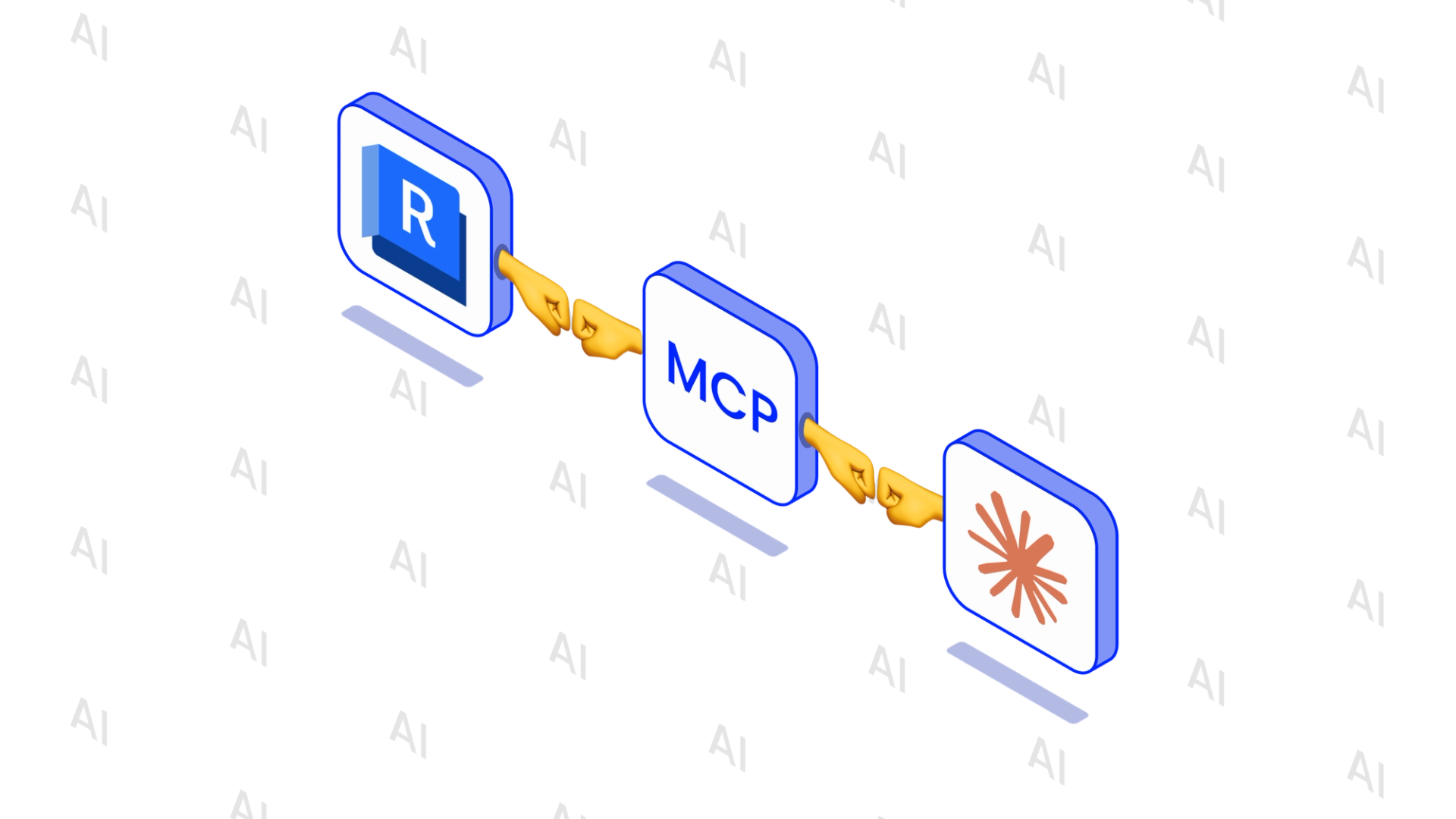
In 2026 Claude Code became very popular among all the developers. So we decided to create an agentic AI which will work inside a Revit session.
Structure
We create a local MCP (Model Context Protocol)(https://code.claude.com/docs/en/mcp) server which uses active claude code subscription.On Revit Statup, we connect this MCP to Revit. Then the user can call an Agent by a ribbon button.Inside the Agent user can communicate with Claude. The user writes a message, Claude analyzes it, asks the datafrom Revit if needed, and creates a C#-code which will be executed inside Revit. A special servicecompiles and executes the code, and return the result. If there are any problems in generated code, Claude tries to fix it by creating a new one.
Revit AI-agent
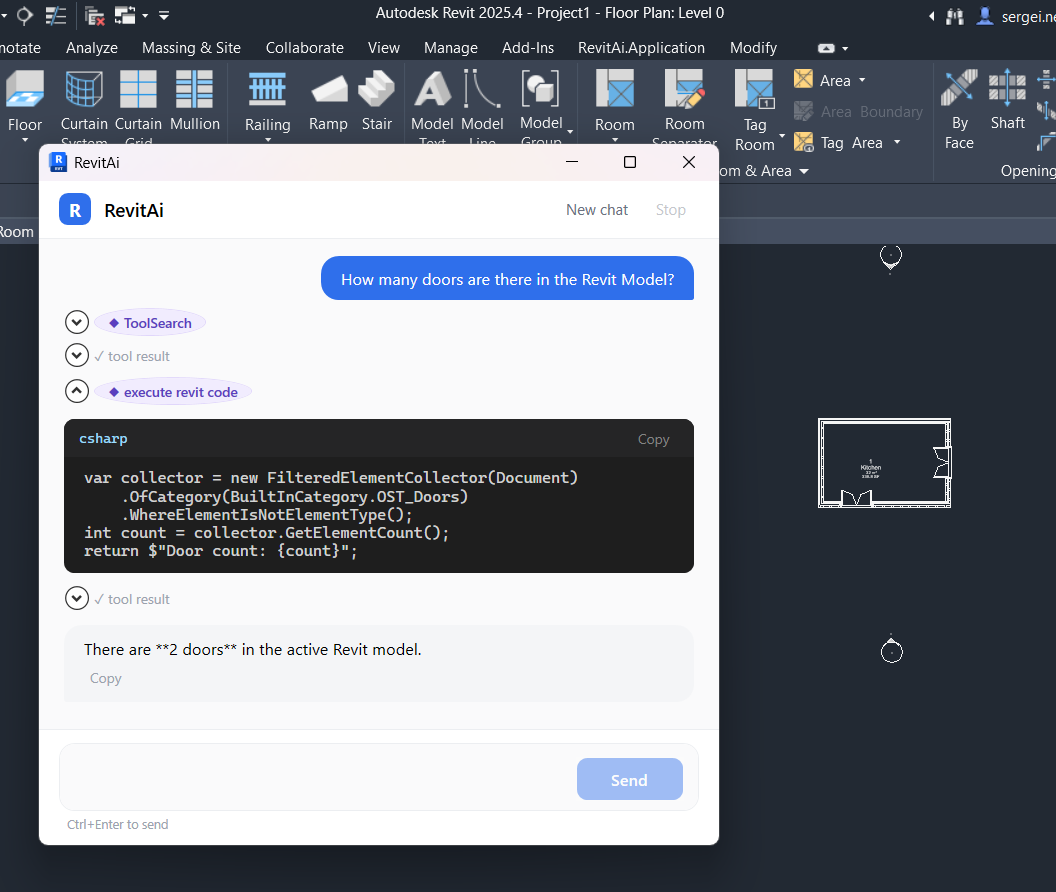
It is a modeless window which gives the user an ability to communicate with Claude. You need to have active Claude subscription to use it. You can write any question about the model, and it will return an answer:
The same way you can ask Claude to modify the model:
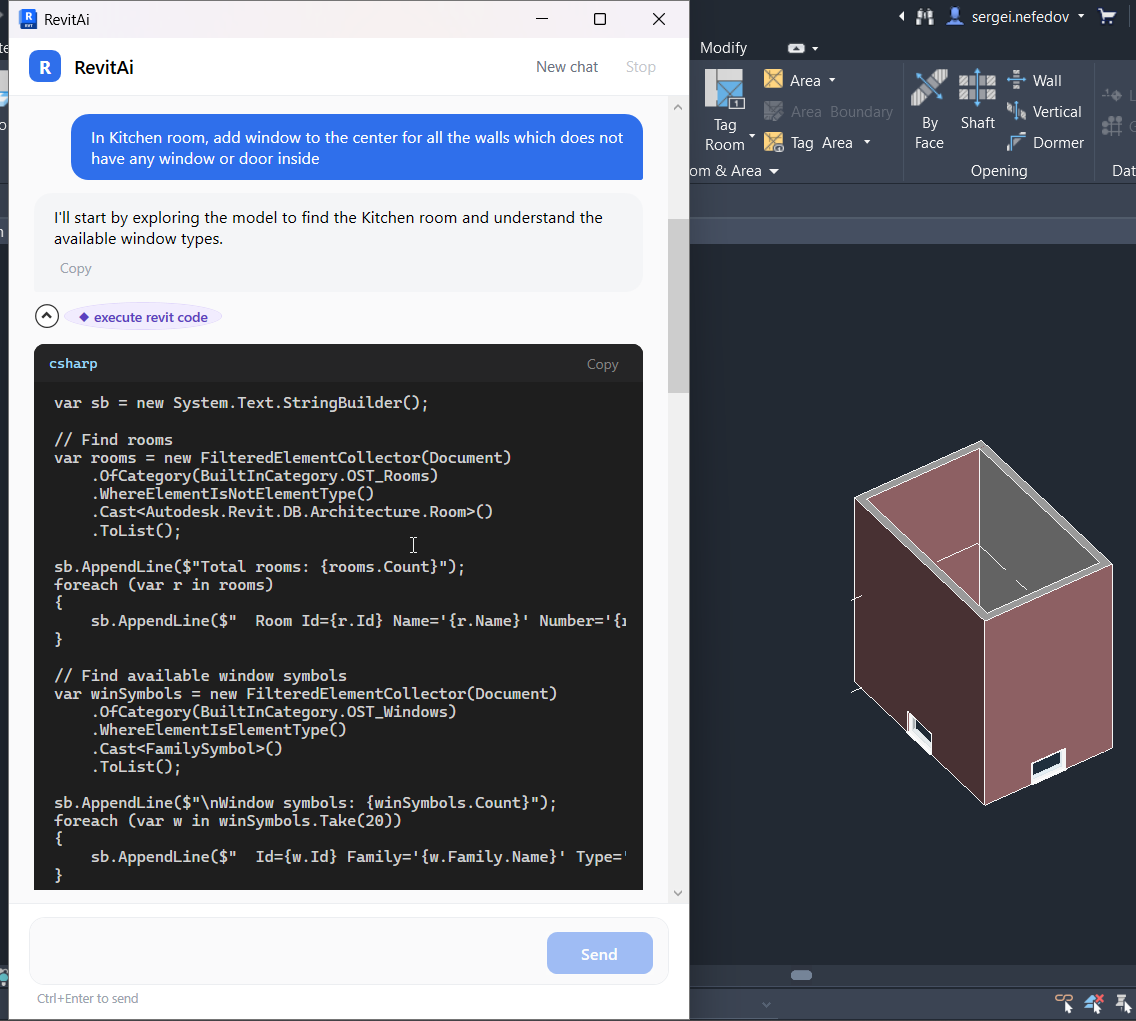
The code executes inside IExternalEventHandler, so the Agent is modeless and modifies model on the fly
AI-agent creation
We started creation of this agent by the following steps:
- MCP-server creation. We should be aware that we have access to Revit and can read data from it. It can be achieved using `ModelContextProtocol.AspNetCore`.
- Create some tools to read data from Revit. First task was to list all the 3D-views in active model and return them to an output.
- Next step was to make some simple modification. We decided to export active model to Navisworks by request. On these steps, we wrote prompts for it in a simple Claude Code session with the Revit turned in differently.
- After make sure we can export model, we try to do the same using simple AI-agent window. So we start to communicate with Claude only inside Revit.
- And after that, we have created an instrument, that compiles the C# code on-the fly and executes it. Nothing special, just `Microsoft.CodeAnalysis;` namespace:
public Script<object> Compile(string code, CancellationToken ct = default)
    {
        ArgumentNullException.ThrowIfNull(code);

        var script = CSharpScript.Create<object>(code, ScriptOptions, typeof(ScriptGlobals));
        var diagnostics = script.Compile(ct);
        var errors = diagnostics
            .Where(d => d.Severity == DiagnosticSeverity.Error)
            .Select(d => d.ToString())
            .ToArray();

        if (errors.Length > 0)
        {
            throw new InvalidOperationException(
                "Compilation failed:\n" + string.Join("\n", errors));
        }

        return script;
    }

public object? Run(Script<object> script, UIApplication uiApplication, CancellationToken ct = default)
    {
        ArgumentNullException.ThrowIfNull(script);
        ArgumentNullException.ThrowIfNull(uiApplication);

        var state = script
            .RunAsync(new ScriptGlobals(uiApplication), ct)
            .GetAwaiter()
            .GetResult();
        return state.ReturnValue;
    }
That's it! Now we do not need to manually (or using Claude, yes) write hundreds of tools, while Claude agent just orchestrate them. Now we do not have any problems to execute any code that engineer wants Claude to ask (the main point is that Claude should be able to generate this code).
Want to see it in action? > Watch the video below to see how our Agentic AI seamlessly generates and executes C# code inside a live Revit session. 👇